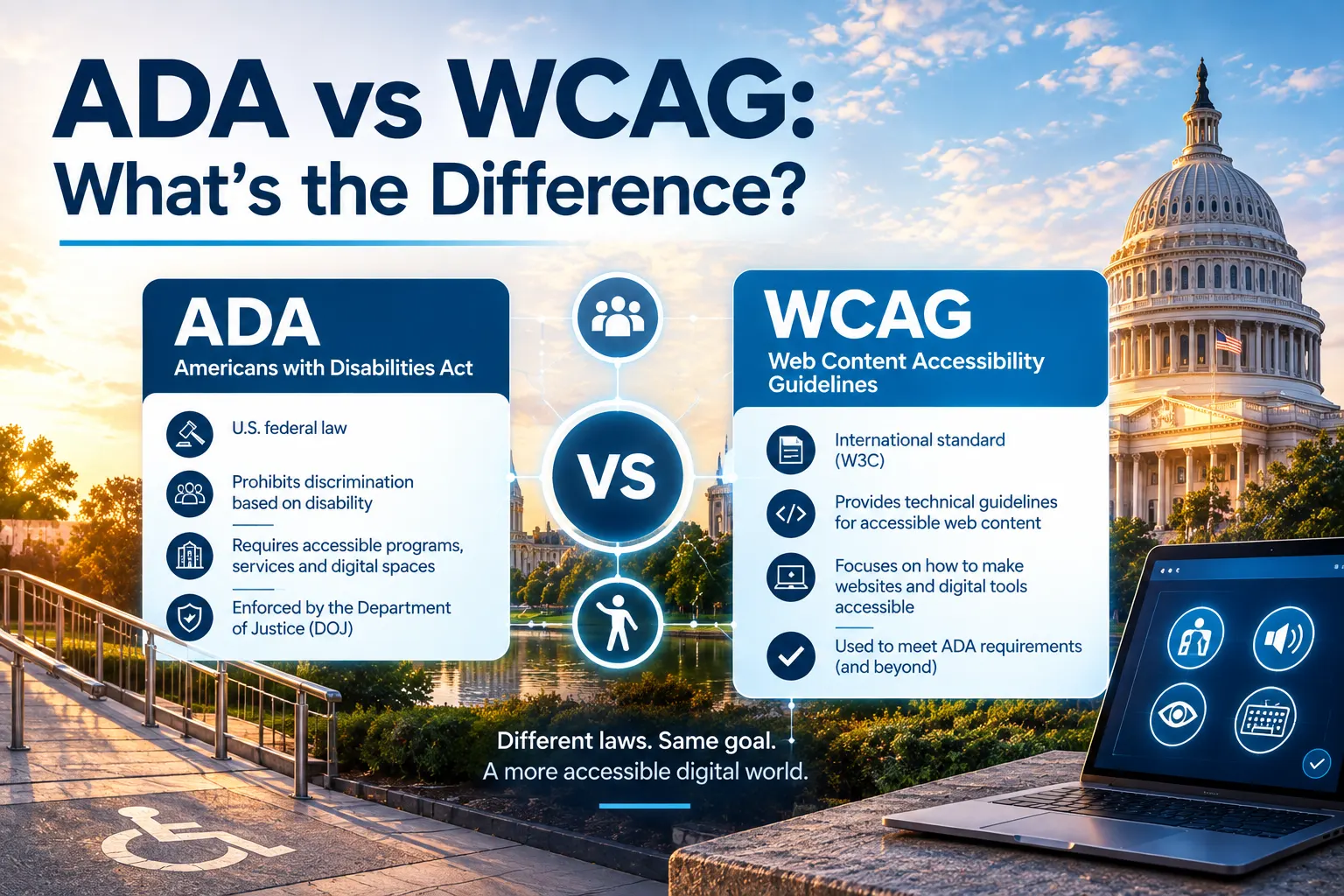
The difference between the ADA and WCAG is their nature: the former is a disability accessibility–related law, while the latter consists of accessibility guidelines.
If you have ever read about website accessibility, you probably have stumbled across terms like ADA and WCAG. More often than not, they are mentioned together. Wherever website accessibility compliance is concerned, they are bound to show up. While they are closely related, they are not the same thing. In this article, let's understand the difference between ADA and WCAG.
Simply put, ADA is the law, and WCAG is the rulebook that the law has adopted for digital accessibility guidance.
What is ADA?
The Americans with Disabilities Act (ADA) is a U.S. civil rights law passed in 1990. Its goal is to make sure people with disabilities have equal access to everyday activities, including employment, public services, and businesses open to the public.
The ADA is divided into sections called 'Titles'. For websites and digital content, the most important ones are Title II and Title III.
Title II applies to state and local government organisations in the U.S. It explicitly mentions that the state and federal government websites and digital services must be accessible for people with disabilities.
Title III applies to private businesses that serve the public, such as stores, banks, hospitals, schools, and other service providers.
Although the ADA was written before websites were a big part of daily life, courts have almost exclusively used the ADA in the context of digital accessibility. If a website is part of how you offer goods or services to the public, it needs to be accessible.
For what that means in practice for websites and apps, see What is ADA compliance in the digital space?
Now, the ADA does not explicitly mention how to make a website accessible. It sets the expectation of equal access, but does not provide technical instructions or checklists for web design.
Which brings us to our next point.
What is WCAG?
WCAG is a set of technical guidelines created by the World Wide Web Consortium (W3C), an international organisation that develops web standards. WCAG explains how to design and build websites so people with disabilities can use them.
These guidelines are based on four simple principles, often shortened to POUR:
- Perceivable, where users can see or hear the content.
- Operable, where users can navigate and interact with the site.
- Understandable, where content and controls make sense.
- Robust, where the site works with assistive technologies like screen readers.
Furthermore, WCAG has also defined three different levels for accessibility. They are as follows.
- Level A, the most basic level of accessibility. While it provides basic accessibility to people with disabilities, it does not exactly align with the ADA's standards.
- Level AA, the standard most organisations aim for. The Level AA standards more than satisfy the standards set by the ADA.
- Level AAA aims for the ultimate accessibility, often very strict and unrealistic for full websites.
Now, WCAG is not to be confused with a law. It is simply technical standards that show how to build accessible digital content.
How do ADA and WCAG fit together?
In brief, this is how it works. The ADA says you must provide equal access, while the WCAG explains how to do it.
As we have already established, the ADA does not include web design accessibility rules. Thus, courts and government agencies need a way to judge whether a site is accessible. More often than not, they consistently point to WCAG Level AA as the benchmark.
As a result, WCAG has become the unofficial standard for ADA website compliance in the U.S. Most accessibility lawsuits, settlements, and audits reference WCAG 2.0 or 2.1 Level AA.
The Bottom Line
If you operate a website in the United States, then the ADA is the legal requirement. The practical way to meet those requirements is through the WCAG Level AA practices.
You do not choose between ADA and WCAG. They work together. ADA sets the expectations, and WCAG provides the steps. And that's the difference between ADA and WCAG.
Treating accessibility as an ongoing process is the best way to stay compliant and create better digital experiences for everyone.
Check your own site
Core GRC's Website Accessibility module scans your pages against WCAG levels A, AA and AAA, applies the fixes AutoFix can make without a code release, and tracks the remaining issues until they're fixed.